
Blur Face Online Free – Protect Privacy in Seconds (No Signup Required)
In today’s digital world, protecting personal identity in photos has become more important than ever. Whether you're uploading images to social media, sharing documents, or publishing content online, you may need to hide sensitive details like faces. The easiest way to do this is to blur faces online free using a simple web-based tool.
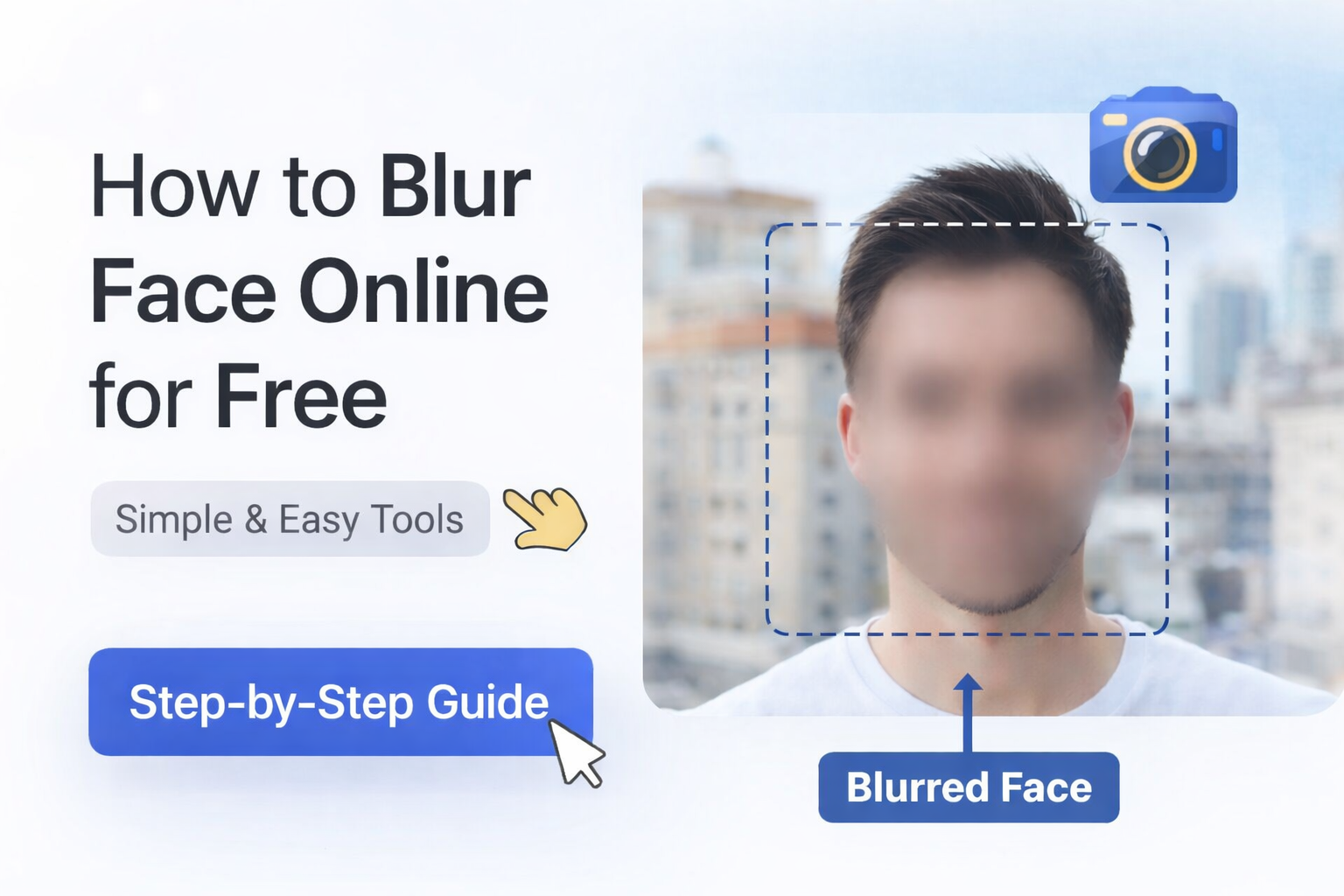
Why You May Need to Blur Faces in Images
There are many situations where blurring a face is necessary:
- Protecting children's identity in photos
- Hiding strangers in public images
- Maintaining privacy for legal or professional use
- Sharing screenshots without exposing identities
Instead of using complex tools like Photoshop, you can now blur faces instantly using an online tool.
How to Blur Face Online Free Using DoctorImg
Blurring a face online is now easier than ever. Just follow these steps:
- Upload your image
- Select the face area
- Apply blur effect
- Download the edited image
With DoctorImg, the process is fast, simple, and requires no signup.
Features of DoctorImg Face Blur Tool
- Completely free to use
- No login required
- Fast image processing
- Works on all devices
- Privacy-friendly (no data stored)
Can I blur face online without watermark?
Yes. DoctorImg lets you blur face online without watermark, so the final image stays clean and ready for social media, blogs, school projects, documents, or personal sharing. A watermark-free result is especially useful when you need the photo to look professional while still protecting someone’s identity.
Blur image online with no signup
If you want to blur image online no signup, DoctorImg keeps the workflow simple. You can open the tool, upload your image, select the face area, apply the blur effect, and download the edited photo without creating an account or installing editing software.
Is It Safe to Use Online Face Blur Tools?
Yes — but only if the platform respects your privacy. DoctorImg ensures that your images are not stored or shared, making it a secure option for sensitive edits.
Final Thoughts
If you're looking for a quick and reliable way to blur face online free, DoctorImg provides a seamless experience. Try it now and protect your privacy in seconds.