
How to Compress Images Without Losing Quality (Simple Guide)
If you ever tried to upload an image on a website or WhatsApp and it says "file too large", then you already know how annoying this problem is.
Image compression is basically reducing the file size of your image without making it look bad. Sounds simple, but many people do not know how to do it properly.
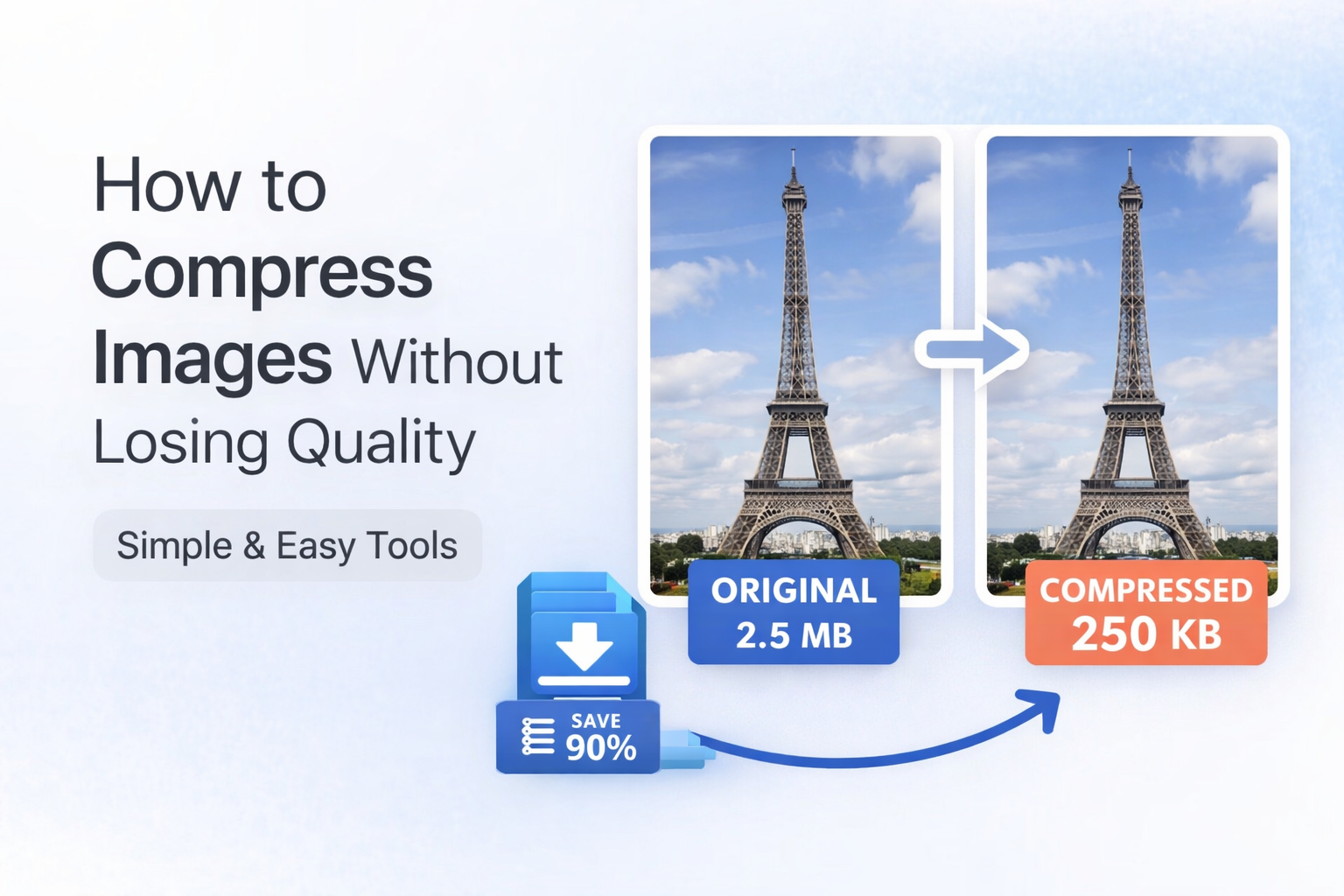
Why we need to compress images
There are few reasons:
- Website loads faster
- Saves storage space
- Easy to share on WhatsApp or email
- Required for uploading on forms
Sometimes even a small image from phone becomes 3 MB to 5 MB, which is too much honestly.
How to compress images (step by step)
You can do it easily using online tools like DoctorIMG:
- Upload your image
- Select compression level
- Click compress
- Download the new image
That is it. No rocket science.
Important thing people do wrong
Many people compress image too much. Then image becomes blurry and useless.
So always:
- Do not reduce quality below 60% to 70%
- Check preview before downloading
Pro tip
If you are uploading images on website, keep size under 200KB and use JPG format mostly.
Final words
Image compression is not complicated, but doing it right matters. Try different settings and see what works best for your use.