
How to Convert JPG to PNG (Without Losing Quality)
Sometimes you just need a PNG file, but your image is in JPG. That happens all the time, and thankfully the conversion itself is very easy.
You do not need to install any heavy software just to switch formats. In most cases, a simple browser-based image converter is enough to turn a JPG into PNG in a few seconds.
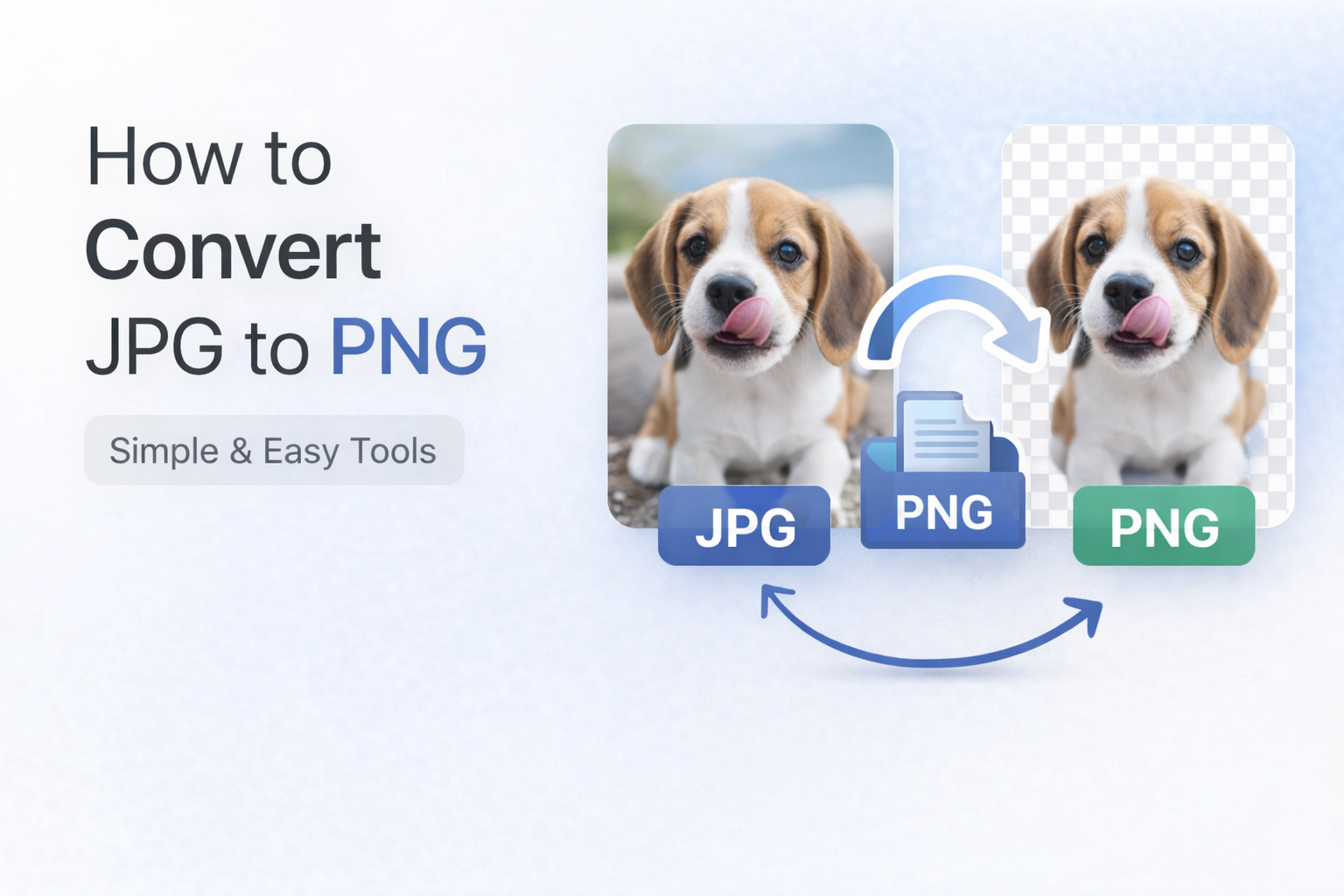
Why convert JPG to PNG?
There are a few common reasons people change JPG files into PNG:
- You need a transparent background in the next step of your workflow
- You want a cleaner format for text, logos, or simple graphics
- A website or tool specifically asks for PNG
Steps to convert
- Open a JPG to PNG tool
- Upload your JPG image
- Click convert
- Download the PNG file
Simple. That is all most people need.
One thing to remember
Converting JPG to PNG will not magically improve image quality. It only changes the format, not the original detail that was already saved in the JPG.
Tip
Use PNG only when you actually need it, especially when the image has text, graphics, or transparency requirements. For many everyday photo uses, JPG is still perfectly fine.
Final
Do not overthink this. Convert when needed, keep the workflow simple, and pick PNG for the cases where the format really helps.