
How to Resize Images for Website (Beginner Guide)
Big images slow down your website. That is a fact. If your site is slow, users leave, and the overall experience becomes weaker.
Why resizing matters
- Faster loading
- Better SEO
- Better user experience
Resizing helps you match the image to the space where it will actually be used instead of uploading a huge file straight from a phone or camera.
How to resize image
- Upload image to a resizer tool
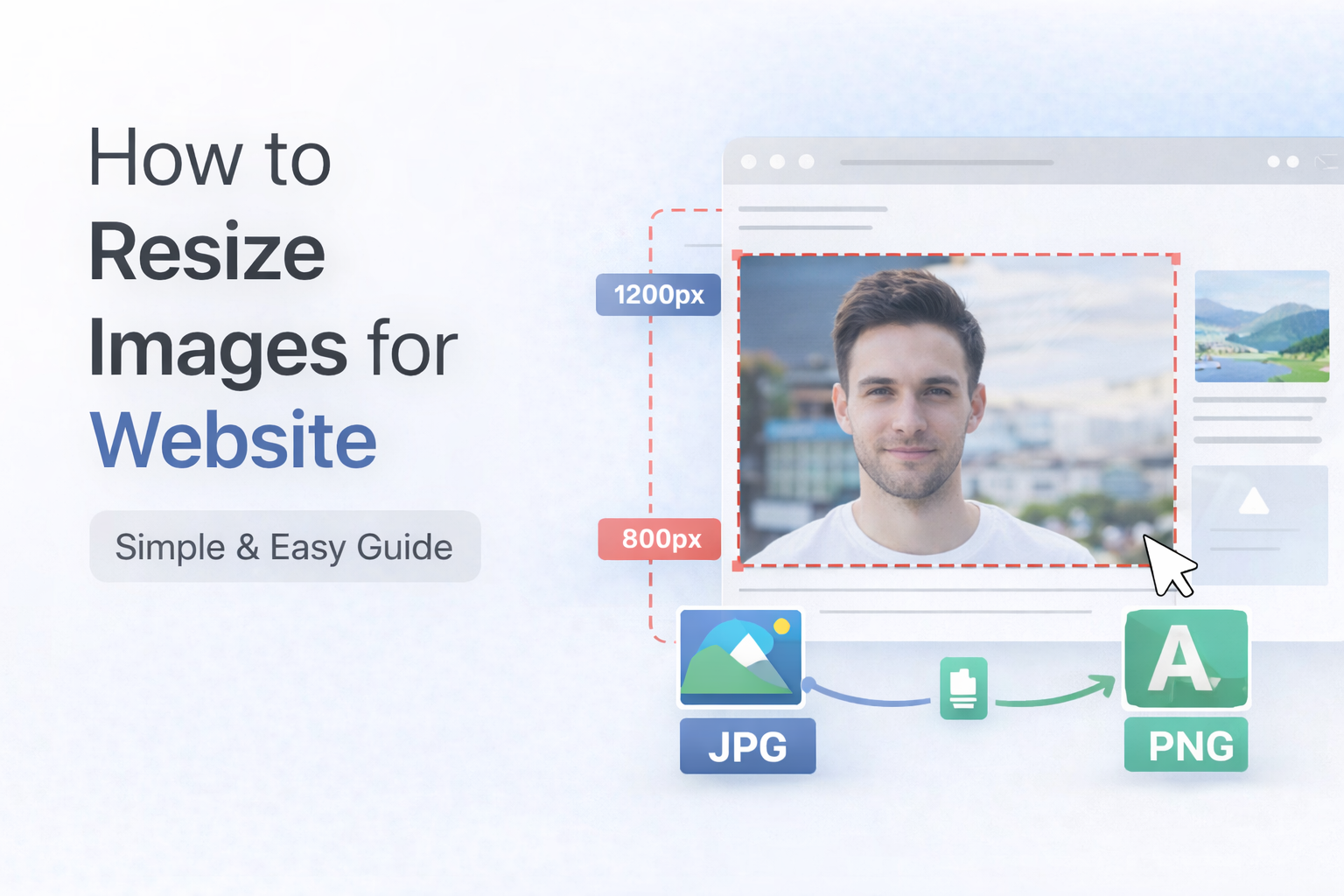
- Set width and height like 800px or 1200px
- Apply changes
- Download the resized file
Ideal sizes
- Blog images: 800 to 1200px
- Thumbnails: 300 to 500px
Mistake people do
A very common mistake is uploading a full camera image at 4000px wide when the website only needs a much smaller version. There is no real benefit in most cases.
Final
Resize first, then upload. Your website will thank you with cleaner performance and a smoother experience for users.